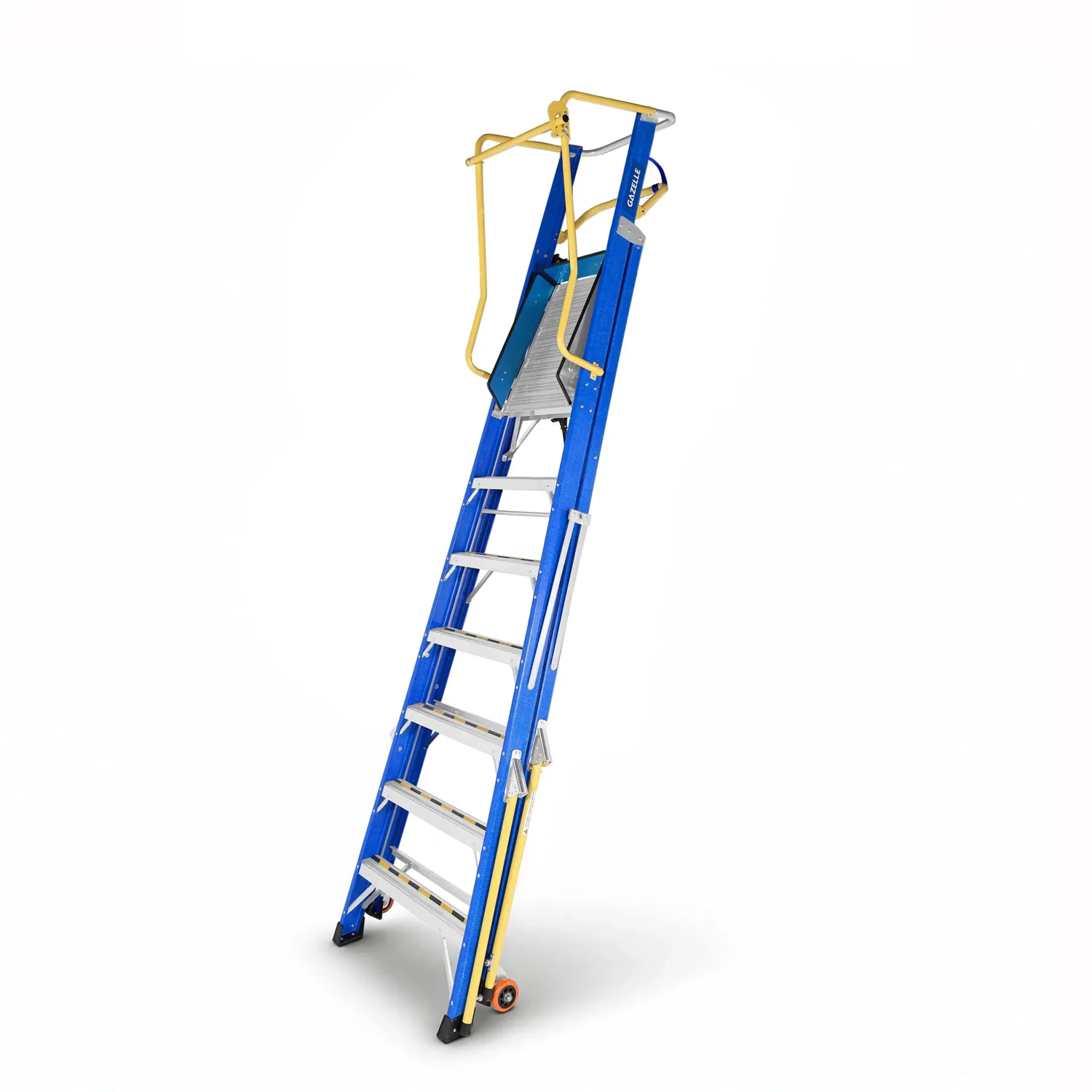
Components and assemblies
Agree the product angles that explain the shape, construction and connection points. Keep views consistent across related parts and size variants.
Make components, tools and equipment easier to understand in catalogues and product presentations. We photograph industrial products with attention to dimensions, connections, finishes and function.
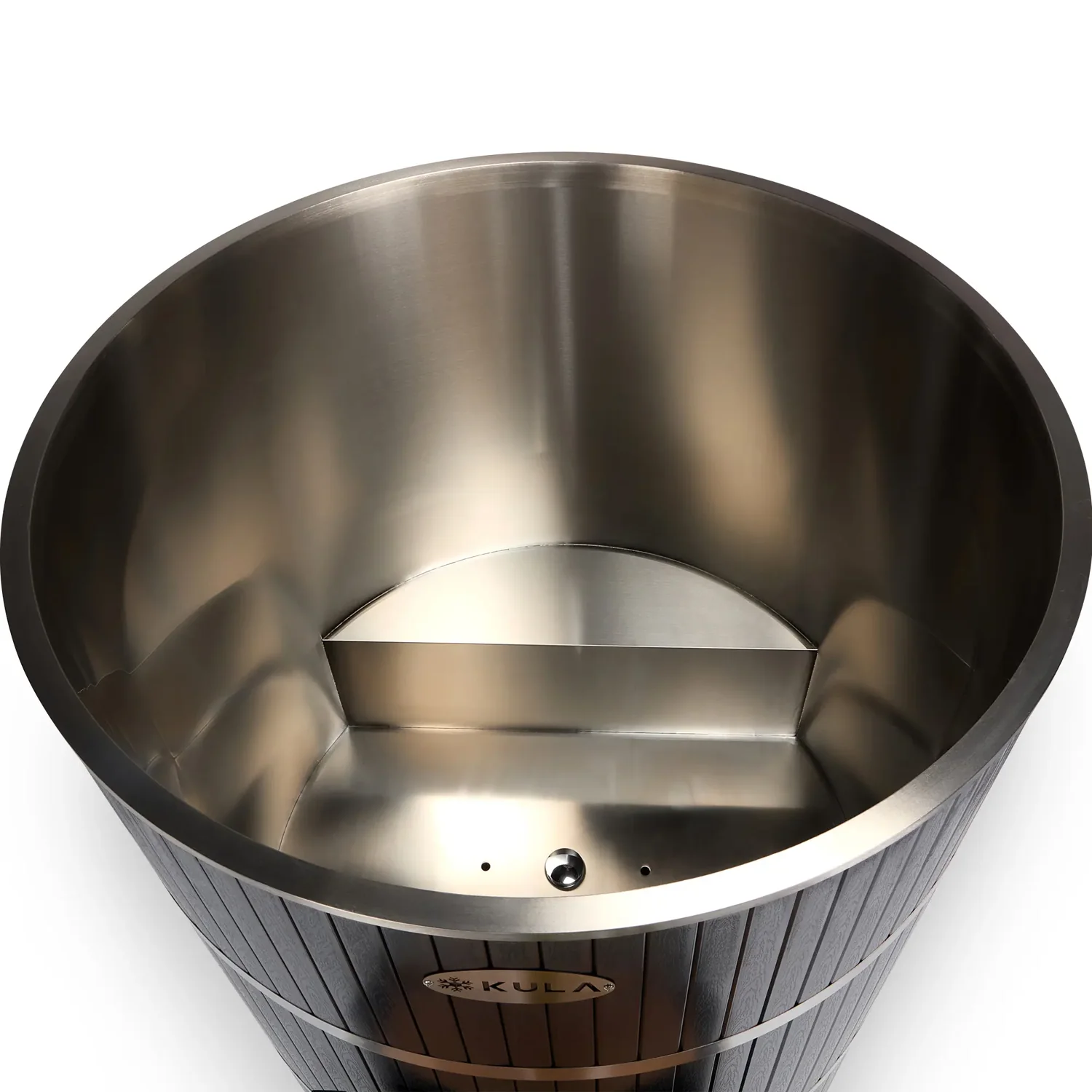
Agree the product angles that explain the shape, construction and connection points. Keep views consistent across related parts and size variants.
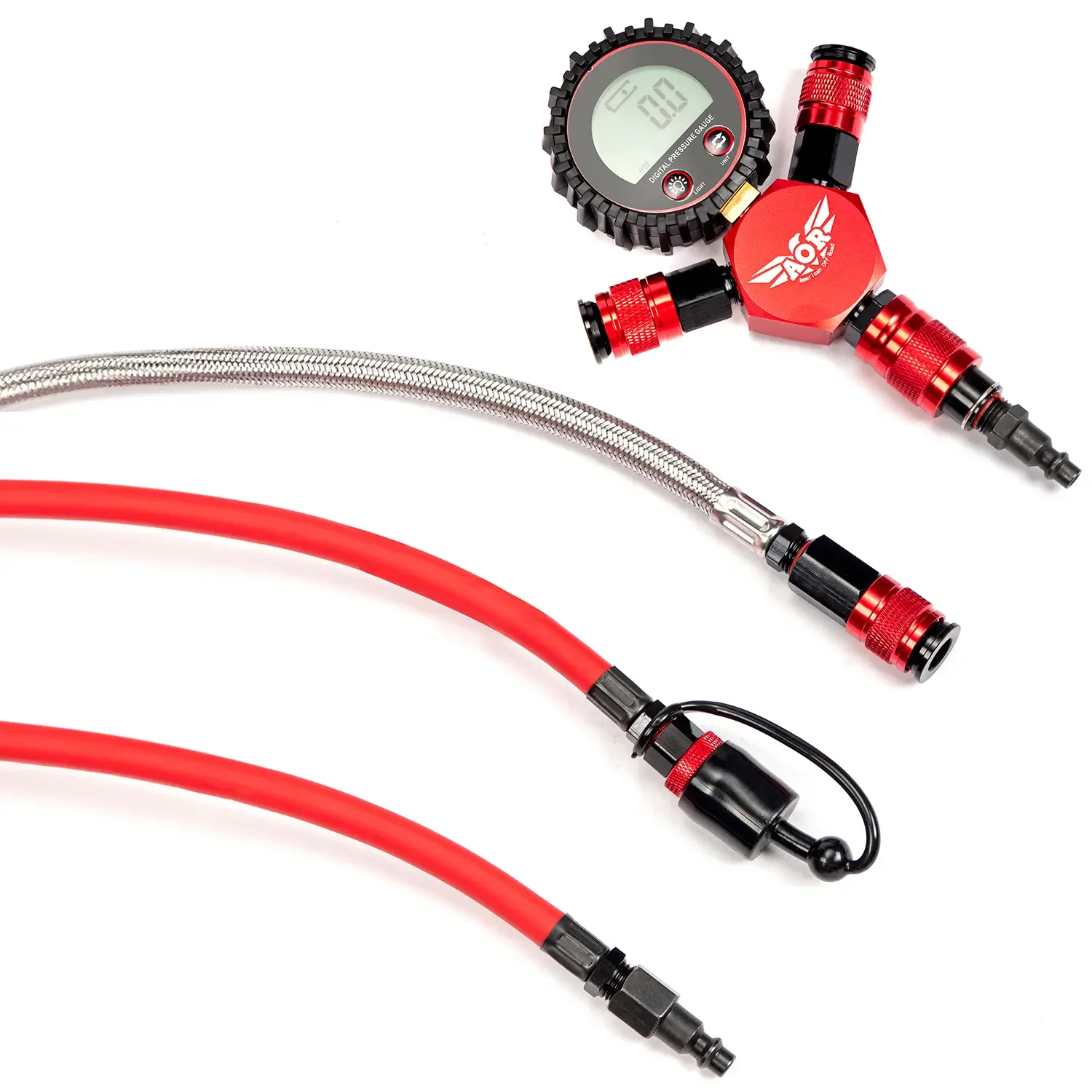
Plan the setup around dimensions, weight and handling requirements. Show the complete product alongside details that help the buyer understand its configuration.

Capture markings, controls, connectors and surface finishes. Identify essential details in the brief so they receive the framing and lighting they need.
Make industrial products and components easier to inspect through catalogue photography, rotation views and demonstrations. Plan the images around size, finish, connections and operation.
Photograph tools, components and industrial products with consistent angles and scale. Show interfaces, markings and construction details needed for technical catalogues and product listings.
Show industrial products from all sides through 360-degree views and animation. Reveal housings, connectors and mounting points with framing planned around the product dimensions.
Explain assembly, handling and key functions through an industrial product demonstration. Agree the operating sequence and required close shots with your technical team before capture.
A left-hand bracket can look like its right-hand counterpart in a thumbnail. Use the same reference edge for both, then photograph the mounting face or connector that identifies the variant. Industrial photographs are easier to use in a parts catalogue when filenames match the purchasing team’s part numbers.
Send dimensions, weight, the product list and reference views. Explain assembly, power, handling or access needs so we can plan the location and capture.
Yes. Share the operating sequence and technical points to show. We plan the actions, close views and supporting text with your team.
Mark the mating faces, connectors and identification plates that a buyer needs to inspect. Include handling or mounting requirements so the setup does not hide those details.
Mark the reference face and provide a part number for each variant. Photograph each actual part in the same orientation to show its markings and mounting points.
Supply the assembly number and identify components available separately. Pair an overall image with component views that correspond to the parts list.
Send the product list, dimensions, handling requirements and the functions you need to show.


