Plan the demonstration around the real task
The product team confirms the correct steps and any instructions that must appear. We choose angles that keep the controls visible and allow space for labels or captions.
A useful demo starts with a question a customer actually asks. We turn the answer into a short operating sequence, showing hands, controls and the result in the same order as real use.
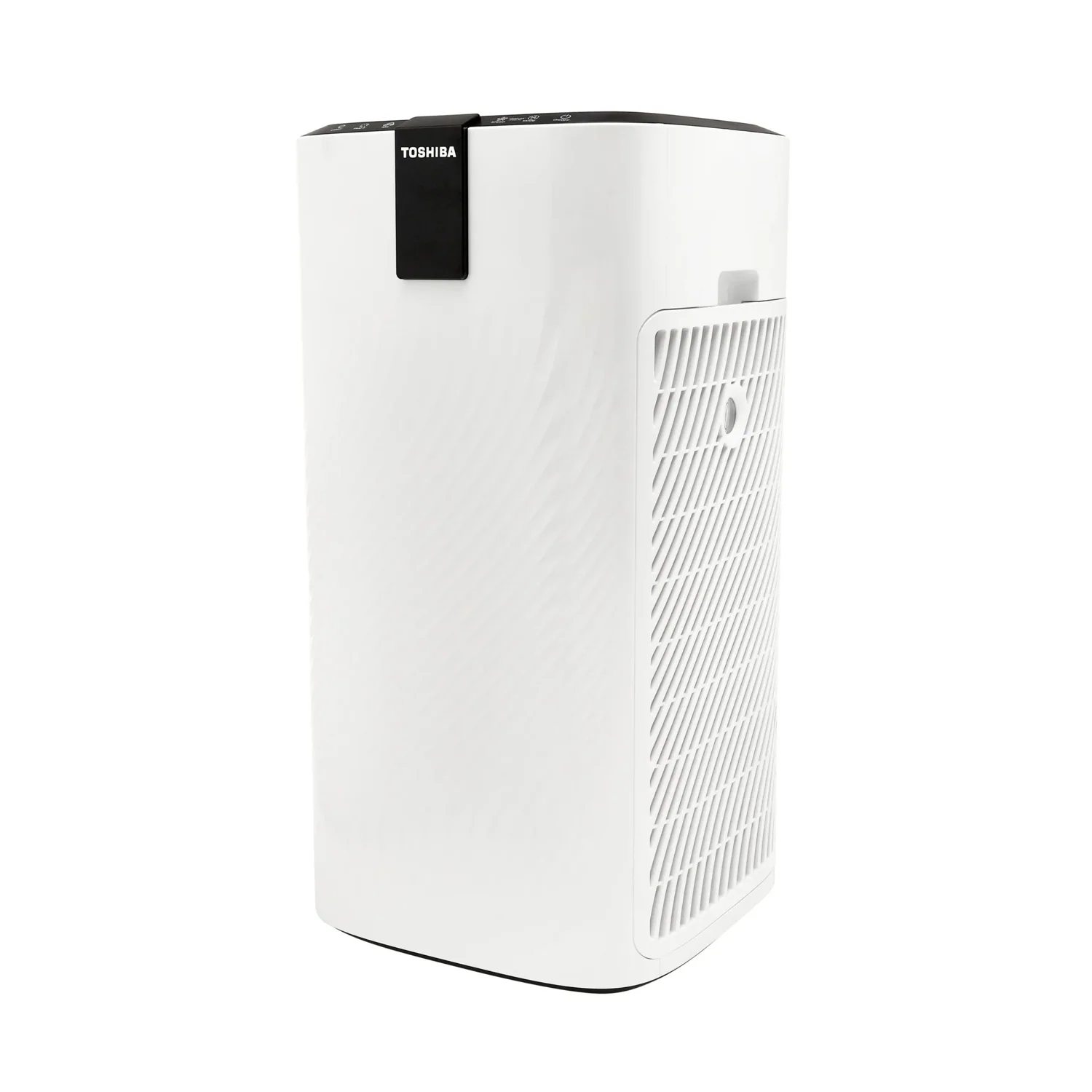
The product team confirms the correct steps and any instructions that must appear. We choose angles that keep the controls visible and allow space for labels or captions.
Show the port and the matching part, move in as they connect, then widen the frame to show the working configuration. One uninterrupted take can clarify a fiddly step.
A product demonstration should follow the steps a customer encounters on first use. Show the starting condition, the control being used and the result. Take labels from the production sample so the words on screen correspond to its buttons, indicators and display when the customer follows along.
Yes. Agree the steps and terminology with the product owner before filming, then check the edit against the approved procedure.
Often. Keep the complete sequence for support and plan a shorter feature-led cut for the product page or sales presentation.
Identify a visible confirmation such as a seated part, a light or a message. Hold the frame long enough for a new viewer to recognise it.
Supply the approved correction and its place in the sequence. A separate chapter or short support clip can cover it without interrupting the main task.
Send the operating steps, sample unit and viewer’s most common question.


