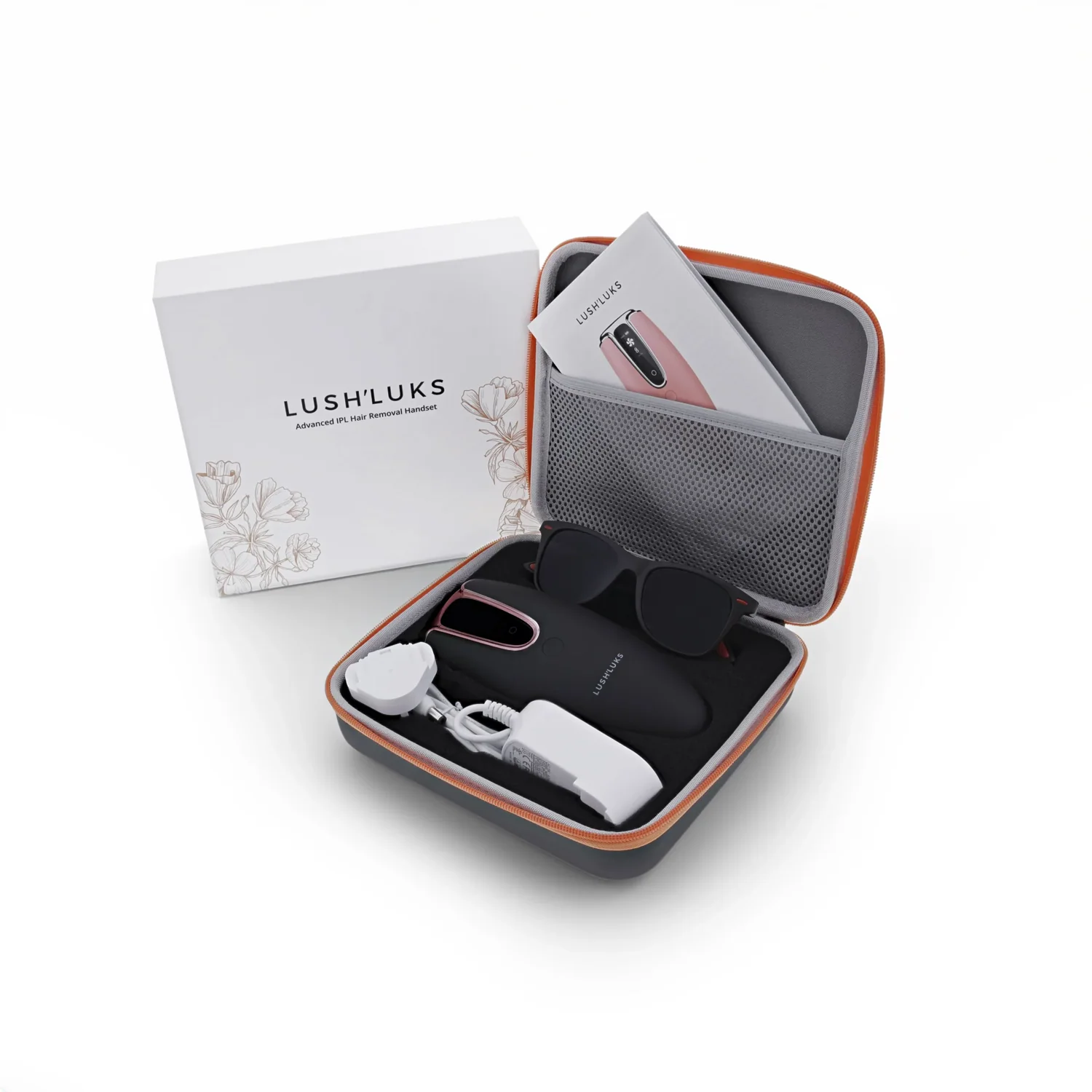
Clear catalogue views
Capture the face, profile and included components with consistent lighting across versions, colours and bundles.
Show shoppers what the device looks like, what comes with it and where the controls are. We photograph consumer electronics, accessories and appliances for e-commerce catalogues and launches.
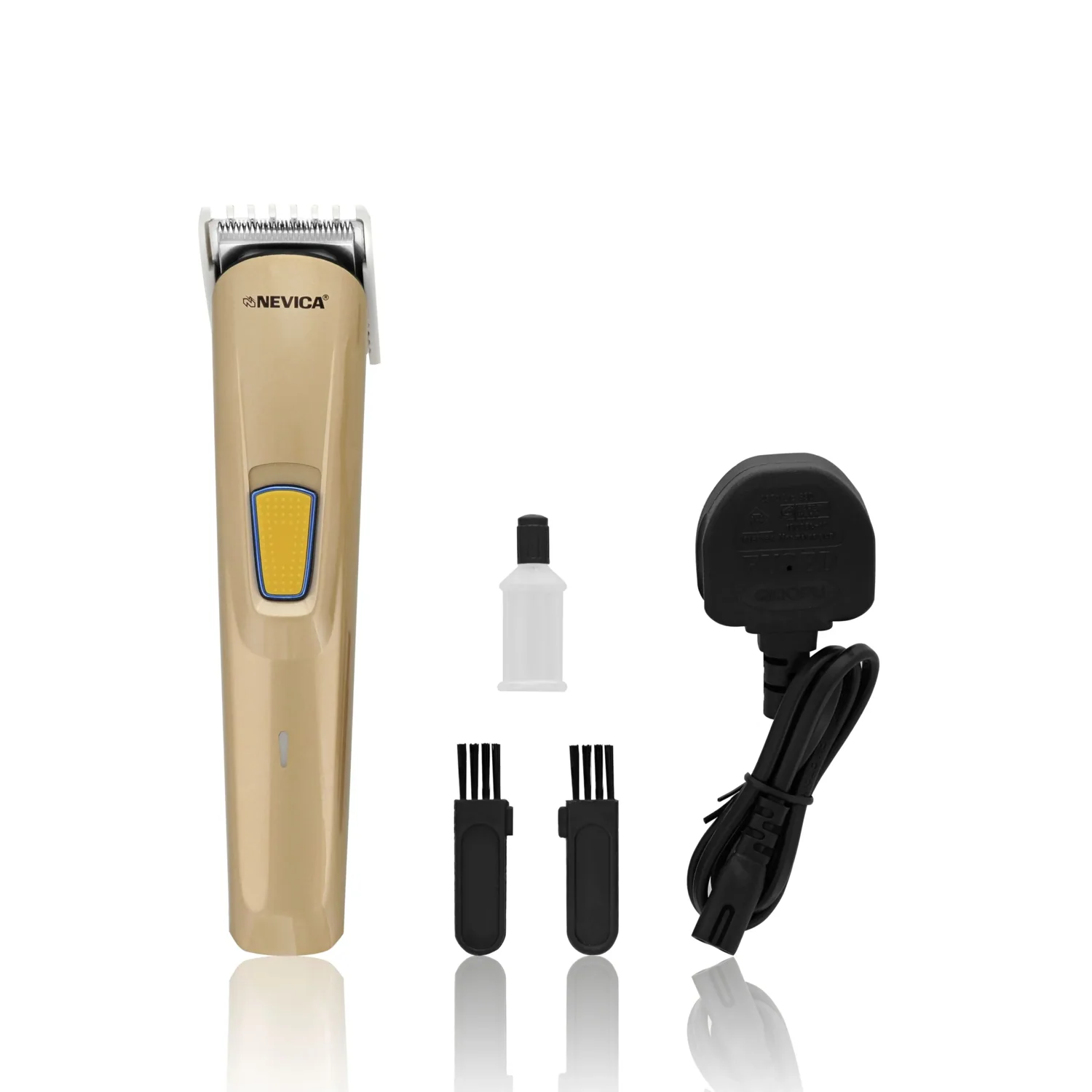
Capture the face, profile and included components with consistent lighting across versions, colours and bundles.
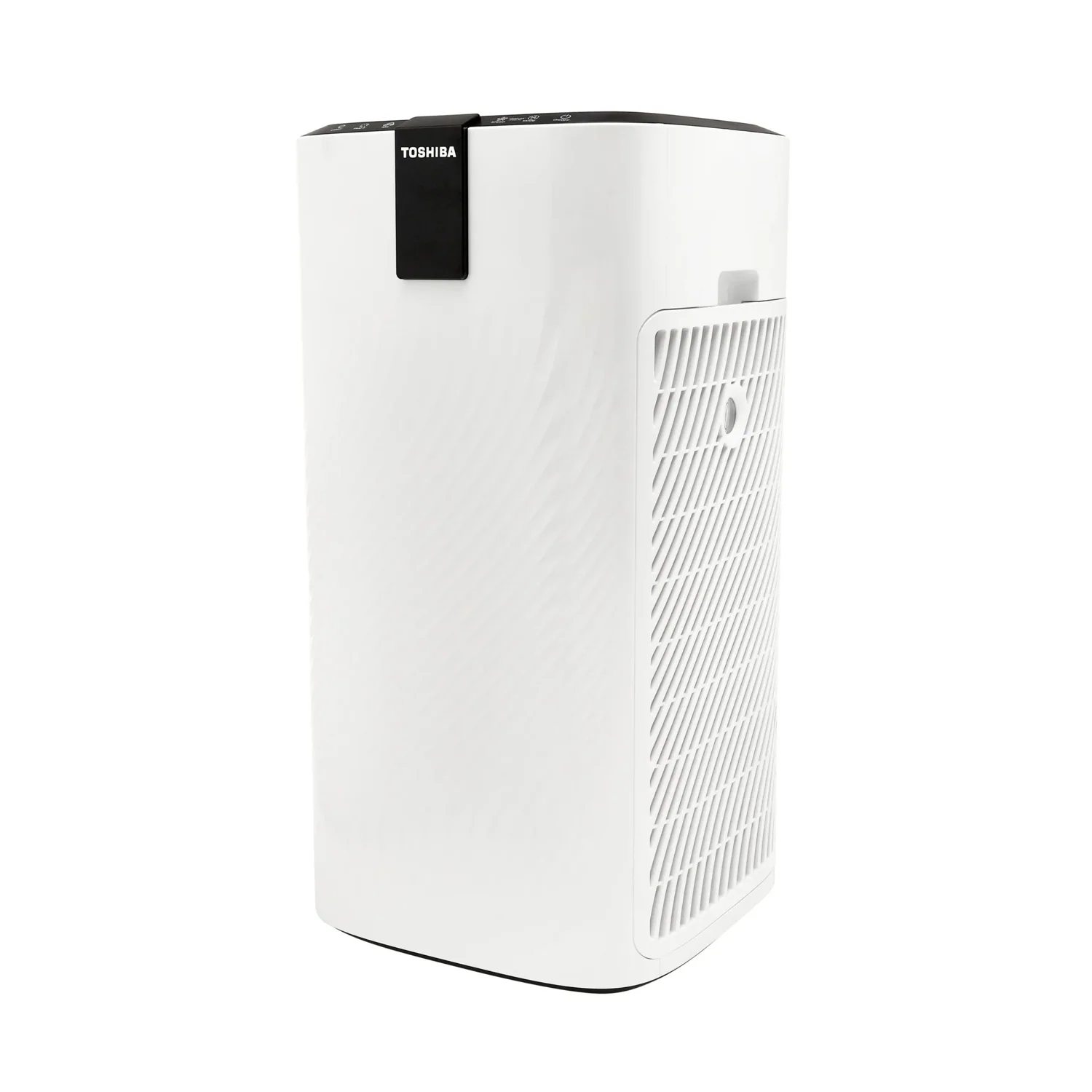
Show ports, buttons, textures and gloss without losing definition. Agree which accessories, labels and packaging details need their own frames.
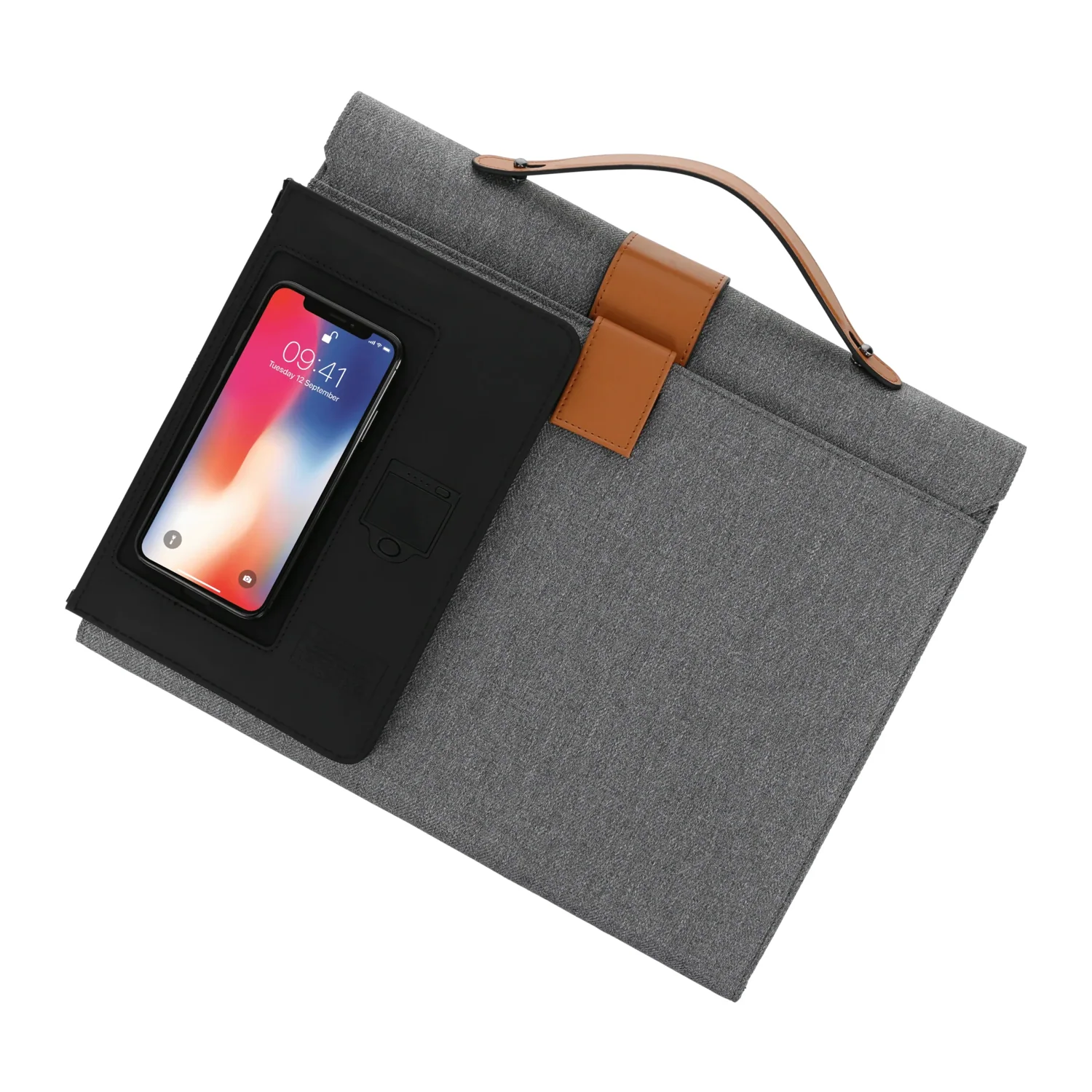
Show the device in context and plan short demonstrations with the video team where motion helps explain a feature.
Help buyers understand electronics through product photographs, demonstration videos and campaign content. Show the design, controls, accessories and use of each device with a clear visual plan.
Photograph devices, accessories and packaging in repeatable catalogue views. Control reflections on screens and gloss finishes while keeping ports, buttons and product markings readable.
Create styled electronics scenes with surfaces, accessories and props matched to the product. Use these compositions for launches, banners and retail campaigns.
Show devices in work, home and everyday settings. Editorial and lifestyle photography explains how the product fits into a routine while following the brand direction.
Use model-led electronics videos to demonstrate handling, scale and everyday interaction. Plan actions and camera angles around the features customers need to understand.
Present the front, back and sides of electronics with 360-degree views and animation. Highlight the design, control layout and connection points through planned movement.
Develop electronics campaign films that connect a product feature to a visual idea. Combine lighting, movement, graphics and editing for launch and advertising content.
Explain setup, controls and key functions through product demonstration videos. Build a clear sequence with close shots, model interaction and captions where the brief requires them.
Two devices can look identical from the front and still take different cables. For consumer electronics product photography, use a consistent front image, then show the connections that distinguish each model. A close view of the port markings can answer a question that a second screen image would leave open.
Yes. List each bundle, accessory and packaging version in the shot list so the gallery matches the listing.
Send the screen or interface state you want visible and let us know how the device is powered. We can plan that during the sample setup.
List the ports, controls and accessories that change between variants. A consistent front view plus a close-up of each difference is more informative than repeating identical angles.
Keep the front-to-back orientation consistent. Add a close-up of small port labels so customers can identify the compatible cable.
Flag the differences against the model number. Reserve affected views for the final unit so the listing shows what customers will receive.
Share the product models, required views and any powered, packaging or demo shots.


