Frame for the feed
We build around one product benefit per cut. Keeping key details inside the platform safe zones leaves room for captions, buttons and interface overlays.
Most people meet the product on a phone. We plan the first frame, the action and the closing message for a vertical screen, then adapt the edit for each placement.
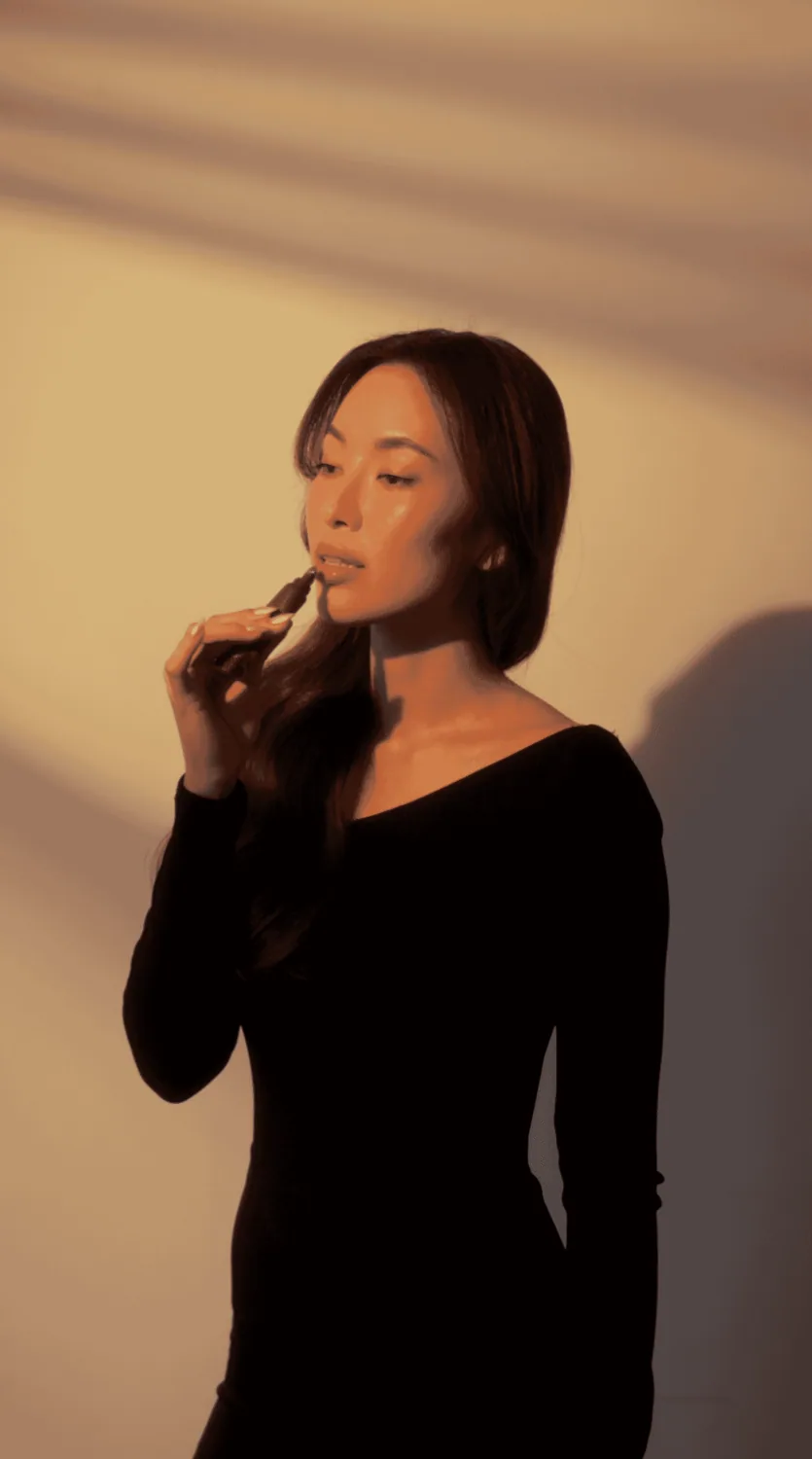
We build around one product benefit per cut. Keeping key details inside the platform safe zones leaves room for captions, buttons and interface overlays.
Open on the texture, cut to application, then hold on the pack long enough to read the label. A second opening can test a different hook while keeping the same product sequence.
An app may put captions near the bottom of a vertical product video and controls along one edge. Plan the opening action, the text position and the final frame together. Viewing the draft at phone size makes it easier to spot an obscured label or an offer that is hard to read.
Yes. Specify the placements and crops before filming so key movement stays in frame for each version.
We can build the message into the action and add approved on-screen copy or captions. Send the language versions with the brief.
Identify one element to vary, such as the first shot or opening line. Keep the rest of the edit consistent so the versions are easy to compare.
Use a preview of the intended placement. Keep the label and main action clear of controls, subtitles and any call-to-action button.
Send your placements, product benefit and any approved copy.


